All products
Know what is on hand and what needs replenishing.
Keep a ledger of stock movements, low-stock levels, suppliers, purchase orders, and goods received.
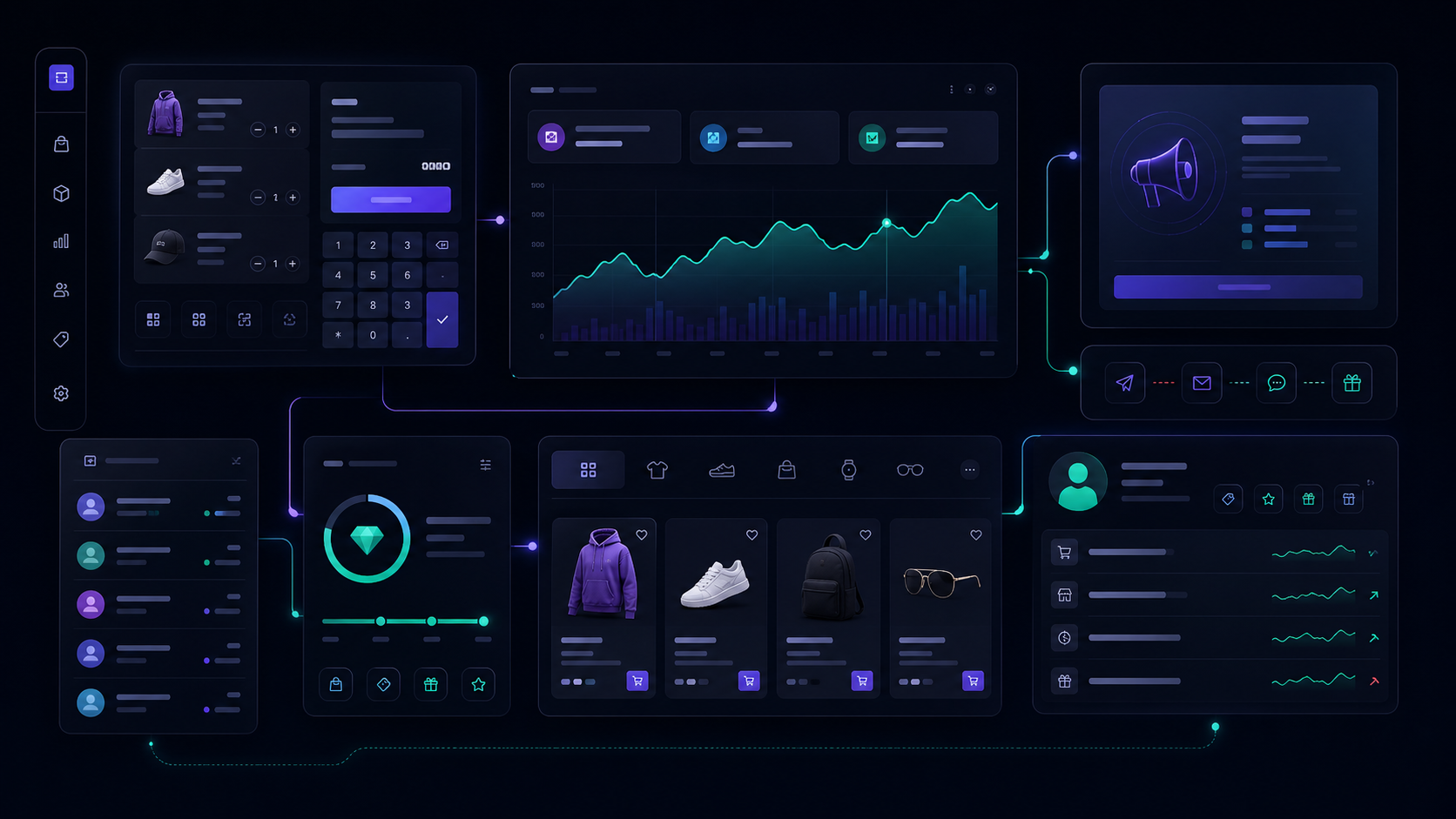
Active productInventory & Purchase Orders
System statusConnected
What it includes
Built for practical daily work.
Product and variant stock tracking
Vendors, purchase orders, and goods receiving
How it works
A workflow your team can follow.
01
Set stock levels
Record opening stock and define useful minimum thresholds.
02
Track every movement
Capture stock-in, stock-out, sales, and manual adjustments.
03
Create purchase orders
Prepare supplier orders for the products you need.
04
Receive goods
Record goods received and update the stock ledger.
Connected system
Better together with the rest of your operation.
Inventory & Purchase Orders shares the information your team needs across Control Stack, helping the next action start with the right context.
POS and online orders
Vendors and purchase orders
Marketplace hub alerts
Inventory reports
Ready to add inventory & purchase orders?
Start with a free account and build the product stack that fits your store.
Start free trial